Step 4: Bullet Collisions
During a fast loop, MMF2 will ignore all events outside that loop. So, to check for a collision after each1 pixel increment we must add On loop "Move Bullet" to the collision testing event.
- On loop "Move Bullet"
 is overlapping a backdrop
 : Create
  at (0,0) from
 - : Destroy
 : Stop loop "Move Bullet"
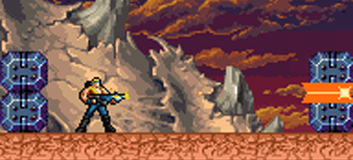
The picture above demonstrates what happens if you don't stop the loop. The Bullet will continue to be moved 1 pixel until the 20th loop is over, creating Impact objects each time it is still overlapping the obstacle.

Stopping the loop will destroy the Bullet there and then, end the movement and create only 1 Impact object. In MMF2, when you give an object no animation other than Destory, it will be destroyed once the animation is over. This is the case with the Impact object.
Well done, you have completed the tutorial!

6